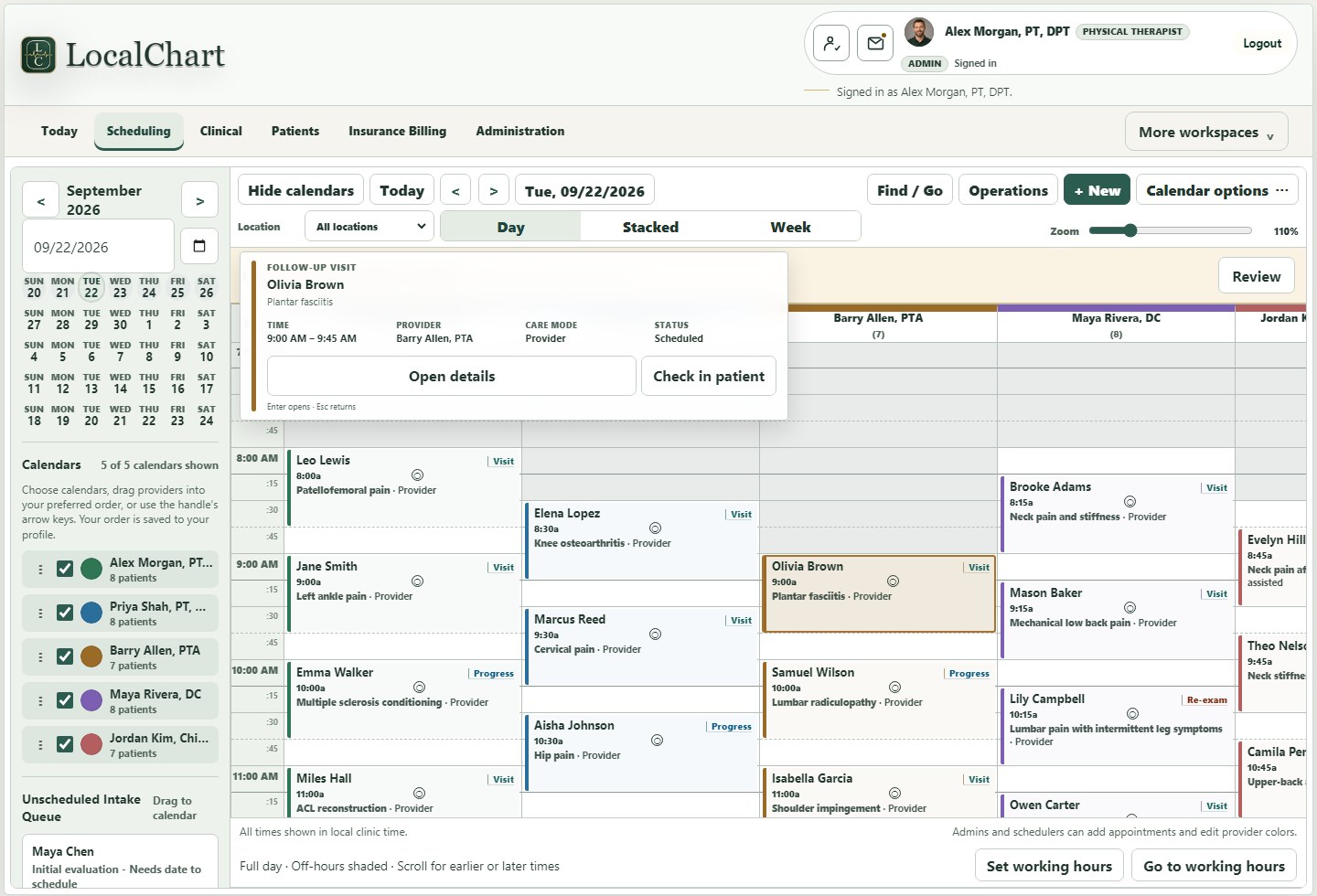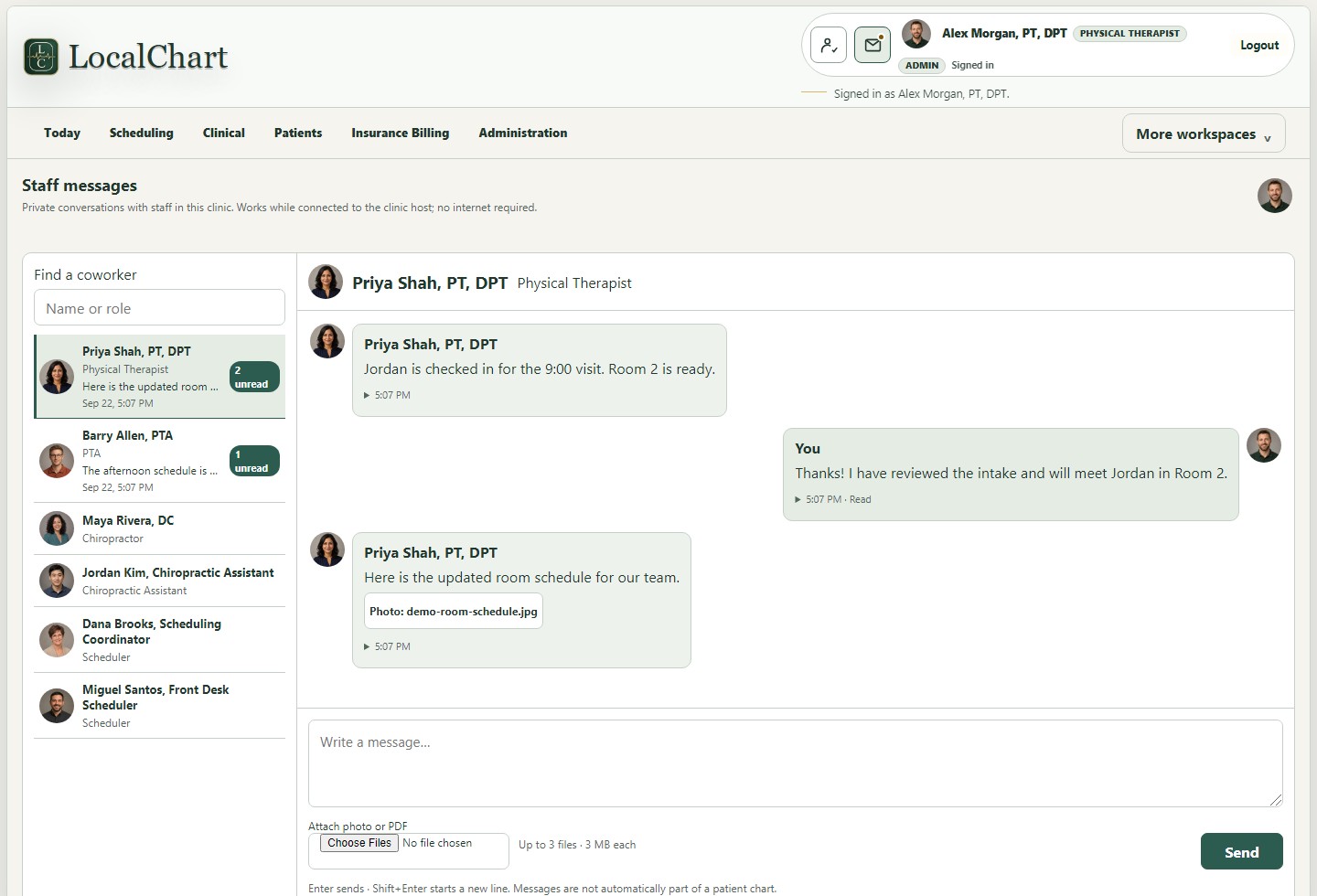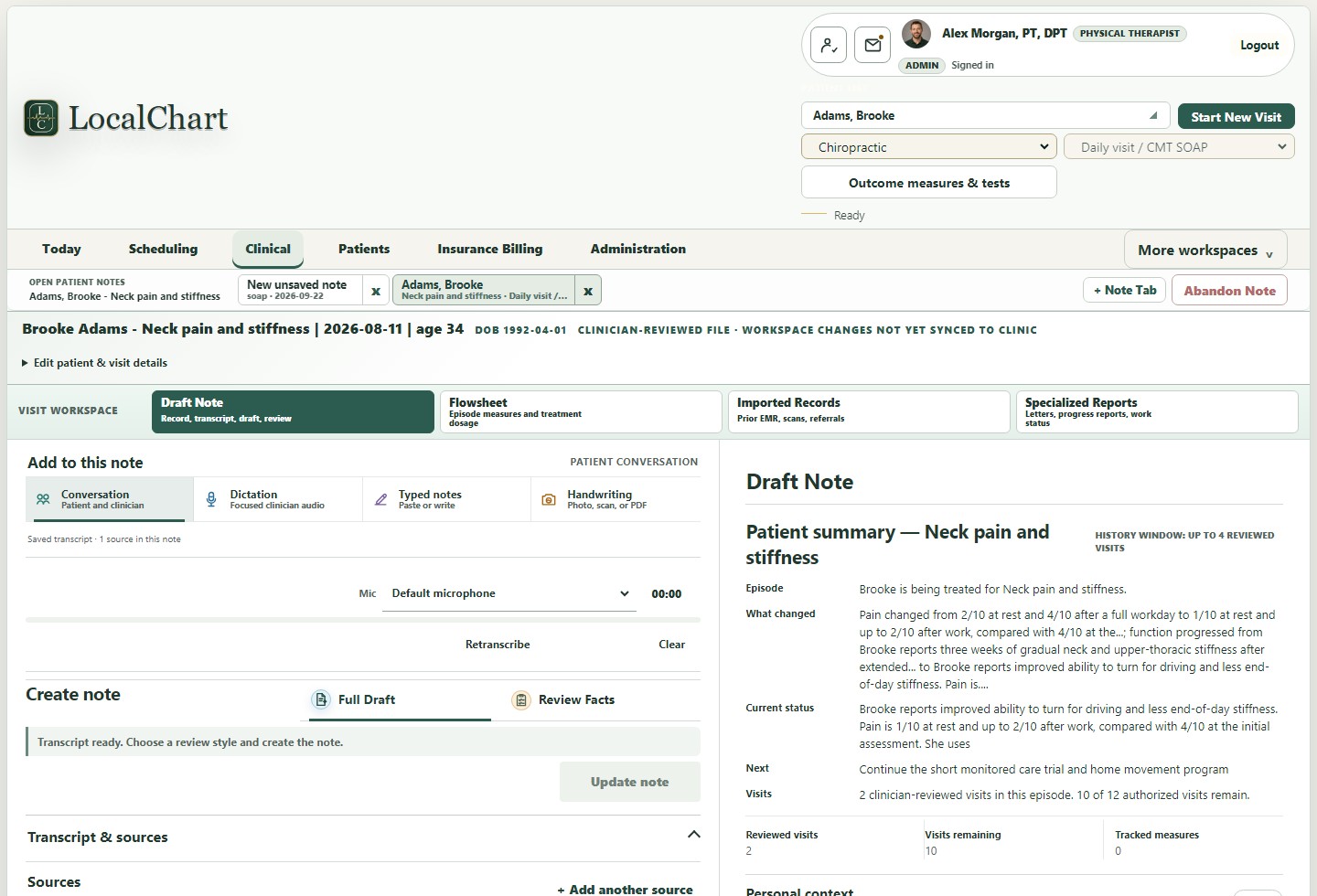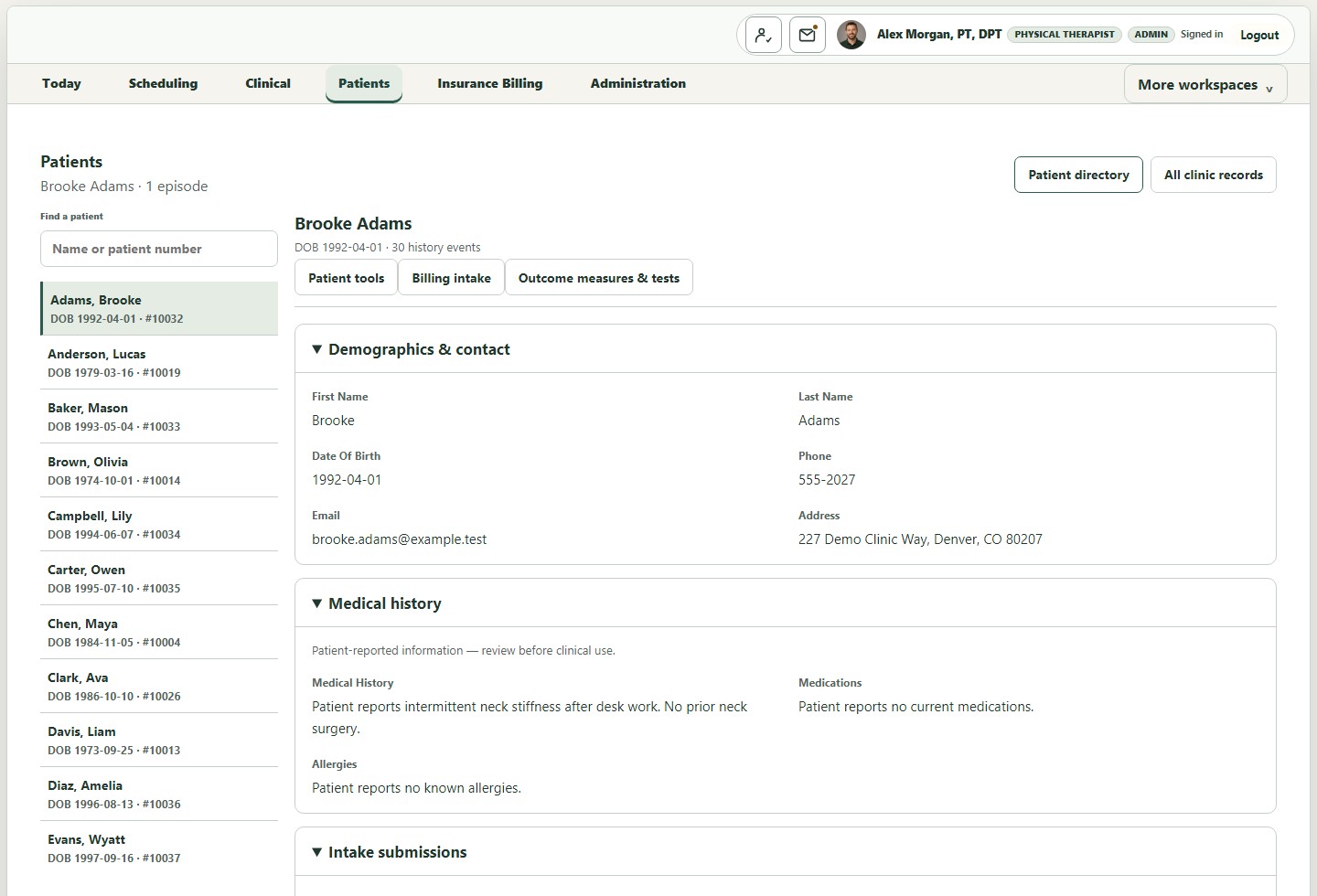
LocalChart · PT, chiropractic + outpatient rehabilitation

The clinic day, connected

Document the visit. Keep the story.

Built first for physical therapy, chiropractic, and related outpatient rehabilitation and musculoskeletal practices. Move from schedule and whatever source the clinician has—conversation, dictation, typed notes, or photographed handwriting—to a source-linked draft, clinician approval, patient continuity, and a clinic-owned record.

Private pilot preparation is underway. Public download and self-serve checkout are not open yet. Please do not send patient information by email.

Visit workspaceClinic host connected
Fictional patientJordan Miles · ankle rehabilitation
Visit 5 of 12
Recording safely
Encrypted recovery copyDurable host receiptAudio remains source
Transcript checkpoint · source-linked

“Stairs are easier this week. Pain stayed at two out of ten, and I walked the full school day without the brace.”

Clinician: Progress resisted eversion and single-leg balance; continue graded return to uneven terrain.

2 facts ready to reviewPlan carried forwardNo silent approval
Saved on deviceHost receivedTranscript readyClinician review
Local transcription and draftingSchedule → capture → transcript → review → record
Why LocalChart
The chart should remember the clinical story so the clinician can stay with the patient.

LocalChart brings the schedule, patient history, capture, local transcription, drafting, review, flowsheets, and records into one clinic-owned workspace for PT, chiropractic, and related outpatient care.

Its workflows follow evaluations, daily treatment, progress or re-examination, discharge, and a longitudinal plan of care—not generic hospital charting. The clinician remains responsible for every clinical statement that becomes part of the record.

Five ways into one note

Start with what you have. Clinicians can begin a note with dictation, a consented patient conversation, typed rough notes, photographed handwriting, or mixed sources. Each source enters a LocalChart source tray, local transcription or OCR, clinician review, and a clinic-owned record. Nothing is finalized without clinician approval.
Five ways into one note. Photograph PT treatment sheets with an iPad camera, run OCR locally, correct the editable text, or combine it with dictation, conversation audio, and typed notes.Open full-size graphic

Photographed handwriting follows the iPad camera → local OCR workflow. Original sources remain attached, processing stays on the clinic-owned host, and the clinician decides what enters the record.

Follow one real workflow

A visit that survives the handoffs.

Select each stage to see how LocalChart carries the same visit forward. The workflow is designed around durable checkpoints—not a spinner, a browser tab, or a health check that merely says the server answered.

During or after the visit

Record, dictate, type, photograph handwriting—or combine them.

LocalChart does not force every visit through one capture method. Audio gets a recoverable recording path; photographed handwriting gets local OCR and clinician correction; typed material remains editable; mixed sources stay individually visible.

  • iPad or laptop conversation capture
  • Focused clinician dictation
  • Typed rough notes and fragments
  • Handwritten photo with local OCR review

Built for PT, chiropractic + outpatient rehabilitation

One working surface for clinician-led outpatient care.

LocalChart connects the moments that usually fracture across tabs, devices, and separate systems while keeping responsibility and recovery visible.

01

Recording-to-draft recovery

Device-safe capture, durable host receipt, transcript checkpoints, queue visibility, and clinician-reviewed drafting form one recoverable workflow.

02

Patient continuity without chart hunting

Approved clinical progress, current goals, exercise-focused flowsheets, imported records, and private rapport context remain distinct but available at the next visit.

03

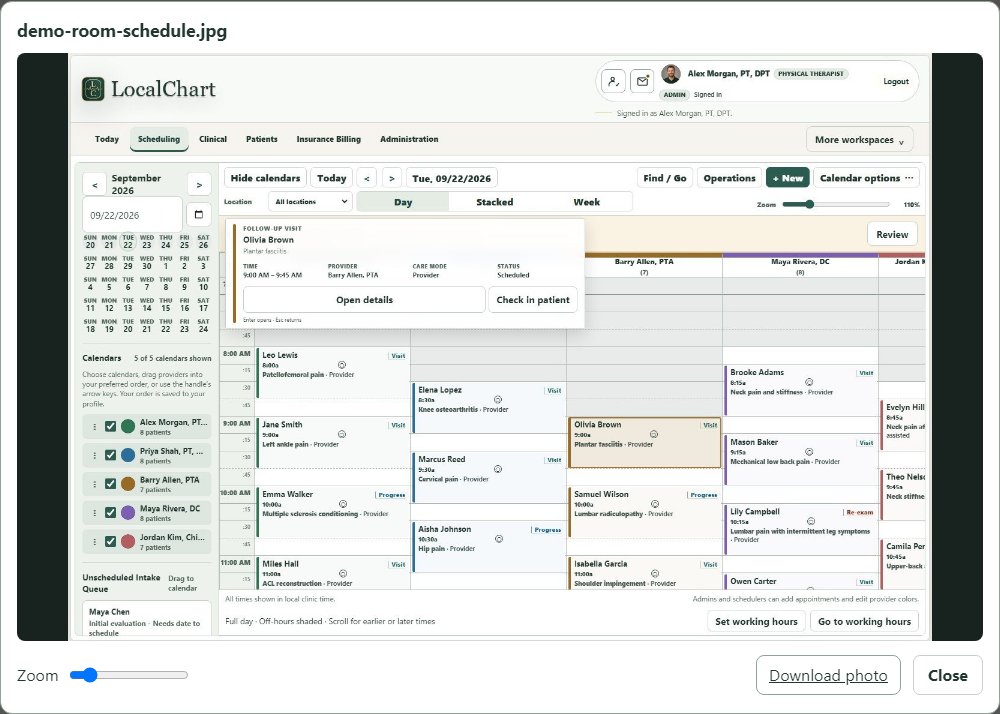
Scheduling and operational context

Provider calendars, appointment work, records, role-aware administration, and same-day showstoppers stay connected to the people who need them.

04

Evidence before promotion

Named gates, exact candidate identity, workflow proof, rollback, and owner acceptance distinguish “implemented” from “proven in use.”

Data custody without forced replacement

The clinic day stays familiar. The data boundary changes.

LocalChart keeps the clinical core under clinic control and can also operate as a documentation layer beside an existing EMR. The clinic can retain original sources and a readable longitudinal archive while sending only the clinician-approved document into another system.

The same clinic day includes schedules, patient history, visit notes, referrals, audio, and personal context. A typical vendor-hosted cloud EMR path sends patient data across the public internet to vendor-controlled records, AI, backups, logs, accounts, and support. The LocalChart path keeps the clinical core, transcription, encrypted records, patient continuity, schedules, backups, recovery, and clinician review within a clinic-controlled boundary. Only PHI-free account information uses the internet service.
Clinic-owned custody reduces lock-in. LocalChart keeps the working clinical record and recovery path with the clinic instead of making continued access depend on one hosted vendor platform.Open full-size comparison
Keep your EMR and own your documentation. Patient conversation, clinician dictation, typed rough notes, photographed handwriting, and imported records enter a clinic-owned LocalChart documentation layer. Original sources remain attached, transcription and OCR run locally, the clinician reviews and approves, and an encrypted clinic-owned longitudinal record is retained. Only the clinician-approved document is sent to the existing EMR for scheduling, billing, claims, and its approved note. Raw audio, personal context, and source files stay local.
LocalChart can complement an existing EMR. Keep the payer-connected system the clinic already uses while preserving source material, local drafting, review, backups, and a readable documentation archive under clinic control.Open full-size documentation layer

Cloud architecture, contract terms, export rights, and data-custody rules vary by vendor. Clinics should review each vendor's terms. LocalChart's intended distinction is a clinic-controlled clinical workspace with a PHI-free account-service boundary and a clinician-approved handoff to an existing EMR when required.

Security and data custody

Clinical data stays local. Clinical AI stays local.

Patient records, supported recordings, transcripts, drafts, approved reports, and the clinical AI workflow remain on systems controlled by the clinic.

Explore the security boundary

Private, named access

Encrypted connections, individual staff profiles, role boundaries, device identity, and revocable remote administration constrain who can reach the workspace.

Protected storage and recovery

Supported clinical artifacts and backups are protected. Restore comparison identifies identical files and requires human decisions for conflicting records.

Human clinical authority

Audio and source records preserve provenance. Transcripts and drafts remain review material until an authorized clinician corrects and approves them.

Hardened local AI

The inference runtime is local-only, constrained, versioned, and qualified. Imported OCR content is untrusted, and security testing covers injection, leakage, adversarial input, exhaustion, and cross-patient isolation.

Important boundary: optional account, licensing, and clinic-address services may process PHI-free business metadata. They are not designed to receive patient names, appointments, recordings, transcripts, or clinical reports. Local hosting supports a security program; it is not an automatic compliance guarantee.

Local hosting, made understandable

One clinic host. The devices staff already use.

LocalChart's host runs the application and local AI, stores the clinic's LocalChart data, and serves secure browser screens across the private clinic network. Staff devices do not each need an AI workstation.

Compare hardware requirements
LocalChart clinic host and client network Two provider iPads, a front desk computer, and a clinician laptop connect through the clinic network to one clinic-owned Windows host. A named clinic administrator may connect through a revocable private route. Only account, licensing, subscription, and clinic-address information goes to the PHI-free internet service. CLINIC-CONTROLLED PRIVATE NETWORK Authorized browser devices connect to one clinic-owned LocalChart workstation. OUTSIDE THE CLINIC Only clinic-approved access. Provider iPadExam room 1 Provider iPadExam room 2 Front deskSchedule · intake · records Clinician laptopReview · reports · history Clinic Wi-Fi 6or Ethernet CLINIC-OWNED WINDOWS HOST LocalChart home base App · local AI · workflow health Encrypted LocalChart vault Charts · audio · transcripts · reports Memory · schedules · audit · backups Recovery stays under clinic control Clinic owner oradministrator Named account · approved device Private encrypted route Clinic controlled and revocable PHI-free internet service Accounts · licenses · subscriptions Staff membership · clinic web address NO PATIENT INFORMATION Account status only If a recording transfer is interrupted, that iPad may keep a temporary encrypted recovery copy until the clinic host confirms safe receipt. Clinic connection Private remote route PHI-free account traffic Encrypted on clinic host
Clinic devices

iPad, Mac, and Windows browsers

Authorized staff open the clinic's secure LocalChart address. Client devices do not carry a separate model or record store.

Clinic home base

One clinic-owned Windows host

The application, encrypted clinical records, local transcription, drafting, recovery, and backups stay under clinic control.

Approved remote access

Named, revocable administrator access

The clinic controls who may connect remotely and can revoke the private route.

Limited internet boundary

PHI-free business services only

Account, license, subscription, and clinic-address metadata may leave the clinic. No patient information belongs in this path.

One clinic host, many authorized clients. The workstation stores and processes the clinical record. Clinic devices open LocalChart through secure browser connections; the separate internet service coordinates accounts and licensing without receiving patient information.

Clinic host

Runs LocalChart, local transcription and drafting, protected clinic storage, workflow monitoring, backup, and recovery.

Staff devices

Current iPad, Mac, and Windows browsers open the clinic address. They do not each need models, runtimes, or copies of the record store.

Optional remote administration

The clinic may separately own private remote access for named superusers. Routine staff on the clinic network do not need that service.

Preparing the next private pilot

Start with the clinic’s real workflow. Prove it with fictional patients first.

Windows delivery, setup, licensing, rollback, and release evidence are being prepared for a bounded pilot. Public checkout is not open yet.

Review the pilot path